
Documentation Index
Fetch the complete documentation index at: https://docs.komiser.io/llms.txt
Use this file to discover all available pages before exploring further.
Supported resource list
Supported resource list
- Deployments
- Ingress controllers
- Pods
- PersistentVolumes
- PersistentVolumeClaims
- ServiceAccounts
- Services
Local Komiser CLI integration with Kubernetes
Komiser now supports multiple cloud accounts and Kubernetes clusters by default. Account configuration is done through theconfig.toml file.
Pass in the path to your cluster’s config file. Which you can find in your local ./kube folder.
Data persistence
Choose between these two methods of persisting your Kubernetes cluster data.Postgres
Add to config.toml fileSQLite
Configuring Credentials
Firstly locate your Kubernetesconfig file.
Add the path to .kube/config in the configuration file.
Run it!
That should be it. Try out the following command from your command prompt to start the server:http://localhost:3000
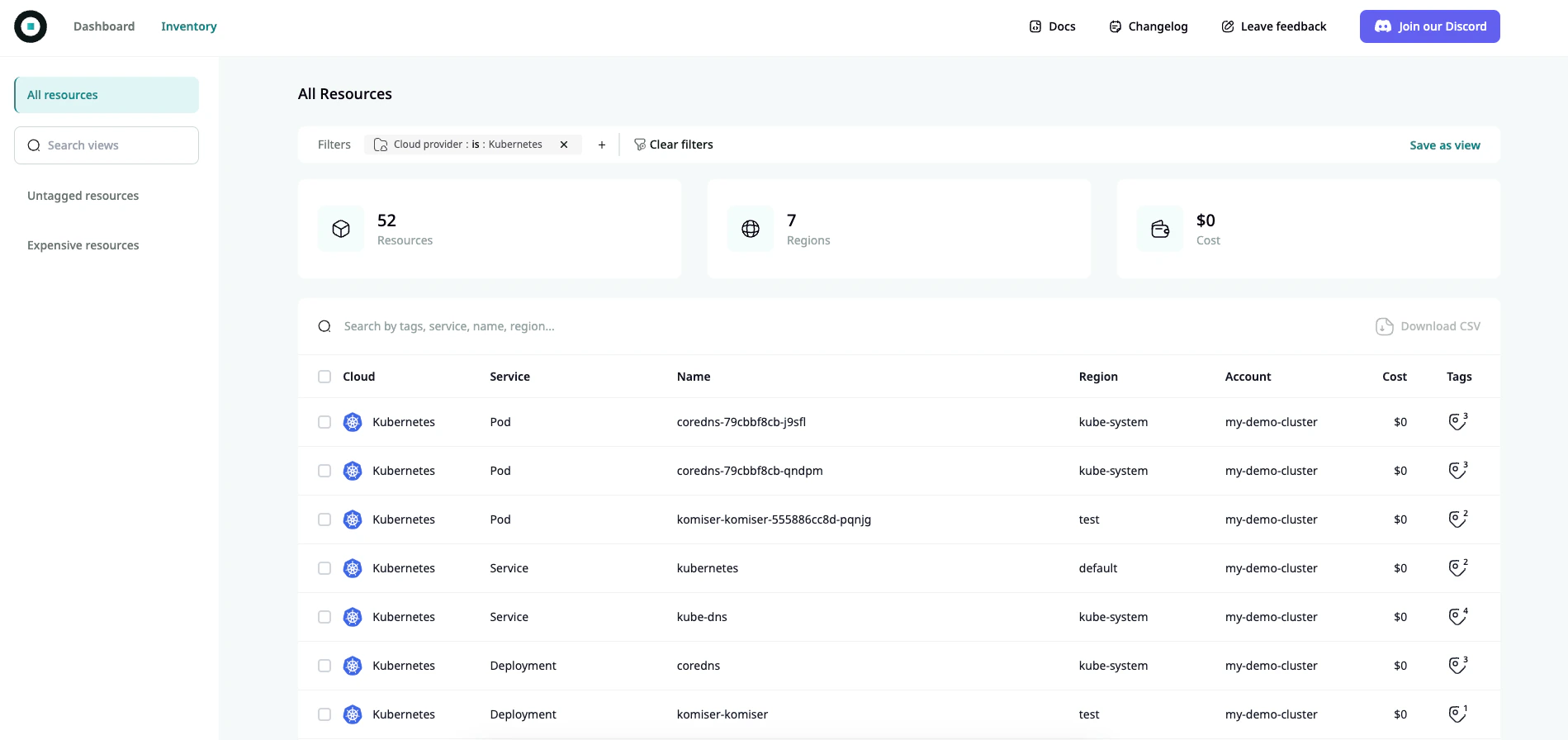
You should see something like this!
In komiser v3.0.1 onlypodsandservicesare supported. More Kubernetes resources will be added shortly.